
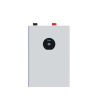
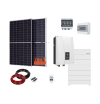
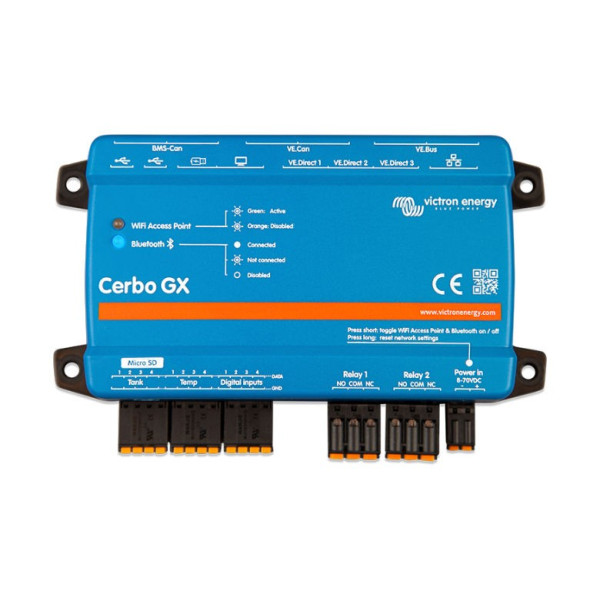
This communication center allows you to have perfect control of your system at any time and from anywhere to maximize its performance. Simply access your system with our Victron Remote Management (VRM) portal or directly with the optional GX Touch display, a multifunction display or the VictronConnect app, thanks to its Bluetooth option.
Dimensions: 78x154x48mm
* Technical support not included. Eligible separately here.

Secure payment

Shipping policy

Return policy
This communication center allows you to have perfect control of your system at any time and from anywhere to maximize its performance. Simply access your system with our Victron Remote Management (VRM) portal or directly with the optional GX Touch display, a multifunction display or the VictronConnect app, thanks to its Bluetooth option.
Dimensions: 78x154x48mm
The GX Touch 50 and GX Touch 70 are accessory displays for the Cerbo GX. The touchscreens, five and seven inches respectively, provide an instant overview of your system and allow you to make adjustments to the configuration. Simply connect the Cerbo GX with a single cable. Both GX Touch displays have a waterproof design, a top-mount configuration and are easy to install.
Monitor, control and configure the Cerbo GX remotely over the Internet. With the remote console it is as if you were in front of the device. The same functionality is also available on the local LAN or with the Cerbo GX WiFi access point.
Immediately monitor battery state of charge, energy consumption, energy harvesting from PV panels, generator and grid, or check tank level or temperature measurements. Easily monitor the inrush current limit of the port socket, a generator with automatic start/stop or make adjustments to optimize the system. You can monitor alerts, perform diagnostic checks and troubleshoot problems remotely.
The Cerbo GX is easy to mount and can also be placed on a DIN rail with a small DIN35 adapter (not included). Its stand-alone touchscreen can be bolted to a control panel, without the need to cut a perfect hole (as with the Color Control GX). Connection is easy with a single cable, without having to carry a bunch of wires to the control panel. The Bluetooth function allows quick connection and configuration with our VictronConnect app.
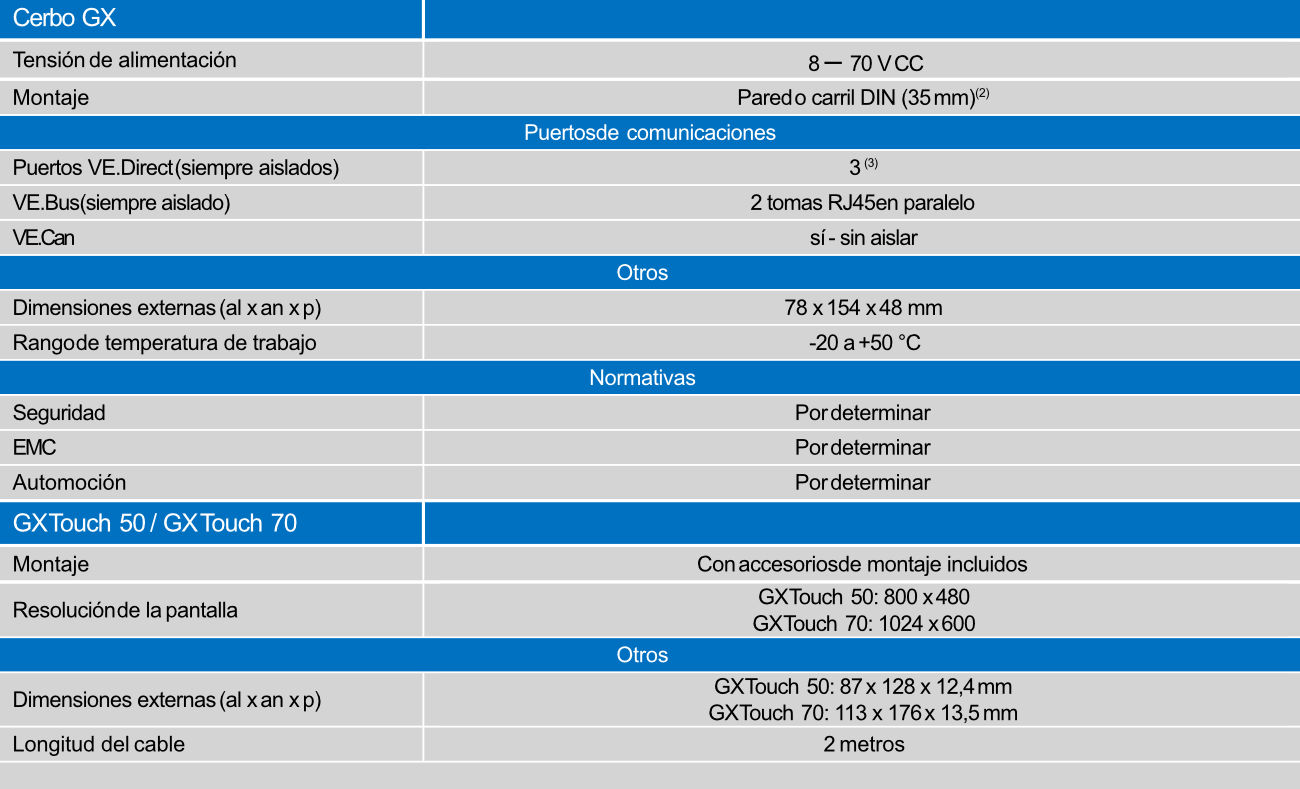

This communication center allows you to have perfect control of your system at any time and from anywhere to maximize its performance. Simply access your system with our Victron Remote Management (VRM) portal or directly with the optional GX Touch display, a multifunction display or the VictronConnect app, thanks to its Bluetooth option.
Dimensions: 78x154x48mm
* Technical support not included. Eligible separately here.
